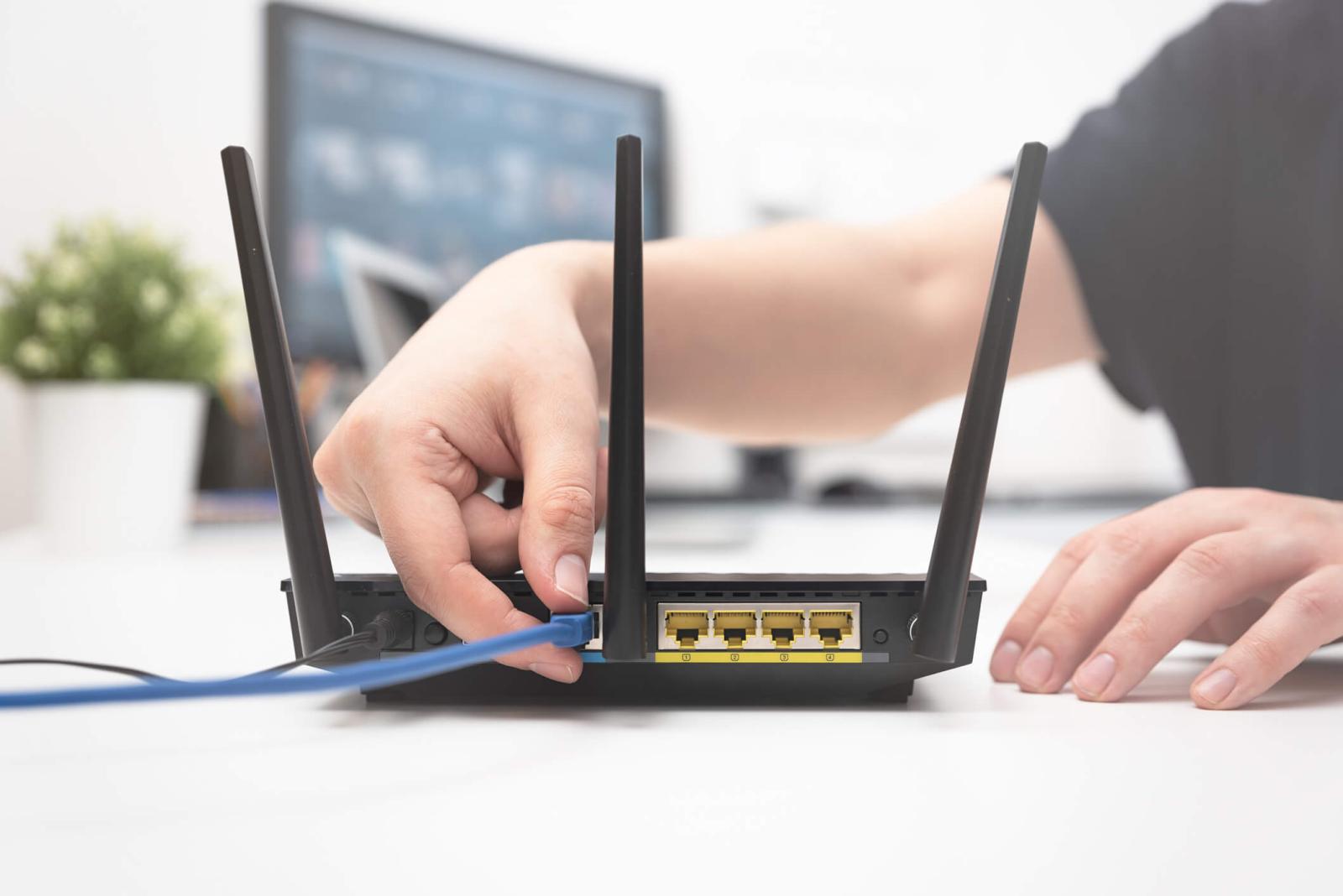
A successful GL iNet router setup allows users to transform a standard internet connection into a secure, private hub. After the physical installation is complete, the web-based admin interface guides you through the "Internet" tab where you can choose between Ethernet, Repeater, Tethering, or Cellular modes. For those using the device at home, the GL iNet router setup often involves bridging your ISP modem to the GL.iNet hardware to take advantage of OpenWrt-based customizations. It is highly recommended to check for firmware updates during the GL iNet router setup to ensure you have the latest security patches and features, such as WireGuard support or improved network stability across all your connected devices.